Skip to content

Workflow systems for education operations

Save 100+ Hours of Administrative Work Every Week
Without Hiring More Staff

Custom workflow systems, automation, and practical AI that remove operational bottlenecks across schools, universities, and online education teams.

Start with a free 20-minute fit call. If there’s a clear opportunity, a focused workflow review is $299.

Operational inputs

  • Admissions
  • Timetables
  • Assessments
  • Communications
  • Finance
  • Support tickets
  • Compliance
  • Reports

Working system

  • Right data
  • Right steps
  • Right people
  • Right time
  • Clear outcomes
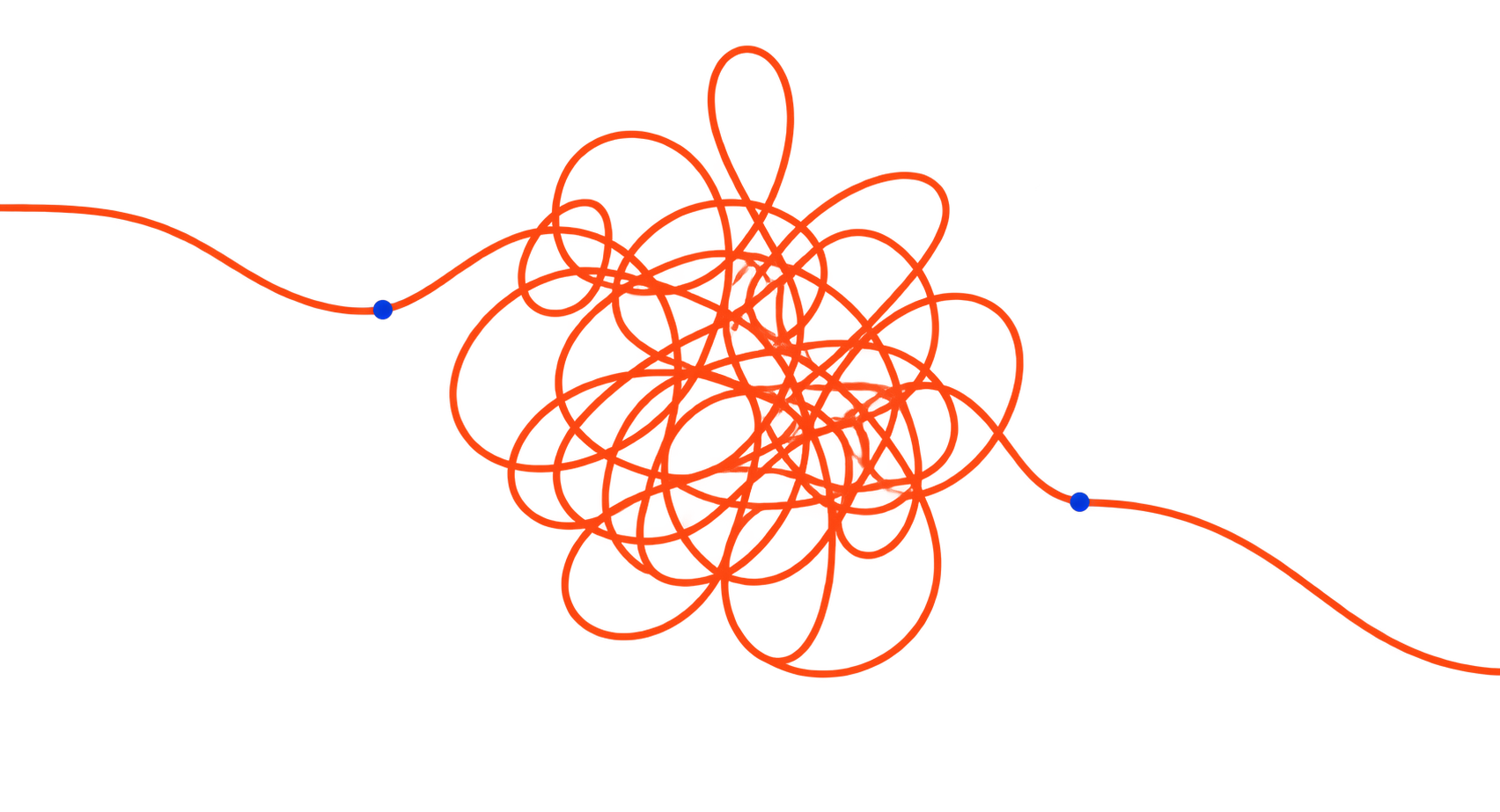
An orange line tangles in the middle before resolving into a clear path

Built for education operations across

K–12 schools Universities Online programs Education services

Common operational bottlenecks

Administrative work doesn’t arrive in one big task. It accumulates across dozens of small ones.

Manual follow-ups, repeated data entry, disconnected tools, document preparation, and routine checks quietly consume time across the entire operation.

Problem 01

Enquiries and applications need constant follow-up

Staff chase missing information, send reminders, answer status questions, and manually keep each application moving.

What a better system does

Centralise each enquiry, show what is missing, and trigger timely reminders without requiring staff to track every case manually.

Problem 02

Staff re-enter the same data across multiple systems

Information is copied between forms, spreadsheets, portals, and internal tools—creating extra work and avoidable inconsistencies.

What a better system does

Capture information once, validate it, and move it between approved systems without repeated copying and pasting.

Problem 03

One schedule change triggers a chain of updates

A single change can require updates across calendars, rooms, staff, learners, and multiple communication channels.

What a better system does

Maintain one reliable schedule and automatically distribute approved changes to the people, calendars, and channels affected.

Problem 04

Approvals wait because ownership is unclear

Requests sit inside inboxes and message threads without a clear owner, current status, or reliable next step.

What a better system does

Route each request to a named owner, record its status, and escalate it when the next action is overdue.

Problem 05

Reports are assembled from scattered spreadsheets

Staff export, clean, compare, and reconcile information manually before a usable report can be produced.

What a better system does

Pull information from the right sources, apply consistent calculations, and prepare reports that staff can review instead of rebuild.

Problem 06

Critical workflows stop when the right person is unavailable

Important processes depend on unwritten knowledge, making delays and inconsistent outcomes more likely when key staff are absent.

What a better system does

Turn unwritten knowledge into documented steps, clear ownership, and dependable workflows that others can follow.

What counts as progress

Nice slides are not the deliverable.

Administrative bottlenecks are not solved by process theatre: another tool, another workshop, another recommendation deck. Progress means changing how the work actually moves.

01

Use what already works

New tools must remove more complexity than they create.

02

Automate selectively

AI and automation belong where they reduce repetition and errors—not where context and human judgement matter.

03

Fix the work first

Remove unnecessary steps and clarify ownership before automating the workflow.

If there is no credible path to a simpler, faster, or more reliable workflow, there should be no project.

How sorted.solutions helps

Turn one bottleneck into a better working system.

Start with the area creating the most friction. Map what is happening, decide what needs to change, and apply the right mix of workflow redesign, automation, integration, and practical AI.

Service 01

Systems and Operations Audits

See where time, attention, and ownership are being lost.

Map the tools, tasks, handoffs, and workarounds behind the operation. The result is a clear view of where effort is being wasted, where reliability is breaking down, and what should be improved first.

Typical scope

  • Workflow and handoff mapping
  • Tool and data-flow review
  • Prioritised improvement roadmap

Service 02

Automation and Workflow Improvement

Remove repetitive work without making the operation harder to understand.

Redesign repetitive workflows, connect the tools already in use, and automate the steps that do not require constant human attention. Important decisions and exceptions remain visible to the people responsible for them.

Typical scope

  • Workflow redesign
  • System integrations
  • Approvals, routing, and notifications

Service 03

Practical AI Integration

Use AI where it earns its place.

Identify specific tasks where AI can support the workflow safely and usefully. Each application includes an appropriate role for human review, clear safeguards, and a practical reason for being there.

Typical scope

  • AI opportunity assessment
  • Human review and guardrail design
  • Document and knowledge workflows

Systems in practice

See what the finished system actually does.

A closer look at two education systems: one keeps operational knowledge usable, while the other archives recordings and delivers requested ones through separate workflows.

Case 01 / Operational SOP system

One place for a department to run from.

A maintained operational reference connects processes, timelines, resources, decisions, and recurring questions, so staff can understand how the work operates without reconstructing it each time.

System flow

  1. 01 Gather
  2. 02 Structure
  3. 03 Connect
  4. 04 Use
  5. 05 Maintain
Explore this system See the SOP structure

Case 02 / Recording operations system

A daily recording archive and automated student delivery.

One workflow maintains an organised recording archive each day. A separate workflow checks the recording source every few hours and emails available links and passcodes for the sessions covered by an absence request.

Archive

  1. 01 Collect
  2. 02 Organise

Delivery

  1. 01 Request
  2. 02 Resolve
  3. 03 Retrieve
  4. 04 Email
Explore this system

Start with one workflow.

Bring one recurring bottleneck, broken process, or task your team is tired of doing by hand. A focused conversation can usually reveal a practical next step.